

IPTV streaming means watching live TV channels and on-demand video over your broadband connection instead of through an aerial, a satellite dish or a cable box. The channels arrive as a stream, an app on your Firestick, Smart TV or phone plays them, and a programme guide makes it feel like normal TV. This guide explains how IPTV streaming works in the United Kingdom, how much internet speed you need for HD and 4K, what affects picture quality and buffering, what it costs, and how to tell a legitimate service from a risky one.
Key facts
- What it is: live TV and video on demand delivered over the internet (Internet Protocol Television) rather than by aerial, satellite or cable
- What you need: broadband (10 Mbps+ per HD stream, 25 Mbps+ for 4K), a device with an IPTV player app, and a subscription login
- Devices: Firestick, Android TV, Samsung and LG Smart TVs, Apple devices, Windows / Mac, MAG boxes
- Typical UK cost: £10–£15 a month or £45–£60 a year for one device
- Quality: HD as standard, 4K where the broadcast is in 4K, EPG and catch-up on major channels
- Legal position: the technology is legal and used by BT, Sky and Virgin; what matters is whether the provider has the right to distribute the content
What is IPTV streaming?
IPTV stands for Internet Protocol Television. Instead of broadcasting every channel to everyone at once, as Freeview or satellite do, an IPTV service sends you only the channel you ask for, as a stream over your broadband. BBC iPlayer, Sky Glass, BT TV and Virgin’s Stream box all use the same principle. Independent IPTV streaming services package thousands of live channels and a video-on-demand library behind one login that works in a player app on almost any device. The experience is closer to Sky than to Netflix: a channel guide, live sport, catch-up and films in one place. If you want the subscription side unpacked too, our explainer covers what a UK IPTV service includes and how it works.
How does IPTV streaming work?
- The provider’s servers take each channel, encode it in HD or 4K and make it available as a stream. The location and capacity of those servers decide how the service behaves at 8pm on a Saturday — UK or nearby European servers mean lower latency for UK viewers.
- Your login — usually Xtream Codes (server URL, username, password) or an M3U link — tells the player app where the streams are and which ones your plan includes.
- The player app (TiviMate, IPTV Smarters, IBO Player Pro and others) builds the channel list and programme guide and plays the stream. The app contains no content; our IPTV apps comparison explains which one suits each device.
- Your broadband and Wi-Fi carry the stream to the device. This is where most IPTV streaming problems live, not on the provider’s side.
How much internet speed do you need for IPTV streaming?
Less than most people think for HD, more than most people have on Wi-Fi for 4K. The figures below are per stream — two TVs watching at once need double.
| Quality | Minimum per stream | Comfortable | Notes |
|---|---|---|---|
| SD (576p) | 3 Mbps | 5 Mbps | Fine on a phone; looks soft on a big TV |
| HD (720p) | 5 Mbps | 8 Mbps | Most sports and news channels |
| Full HD (1080p) | 8 Mbps | 12 Mbps | Films, live sports channels |
| 4K (2160p) | 20 Mbps | 25–35 Mbps | Only for events broadcast in 4K; needs a 4K device and a 5 GHz or wired connection |
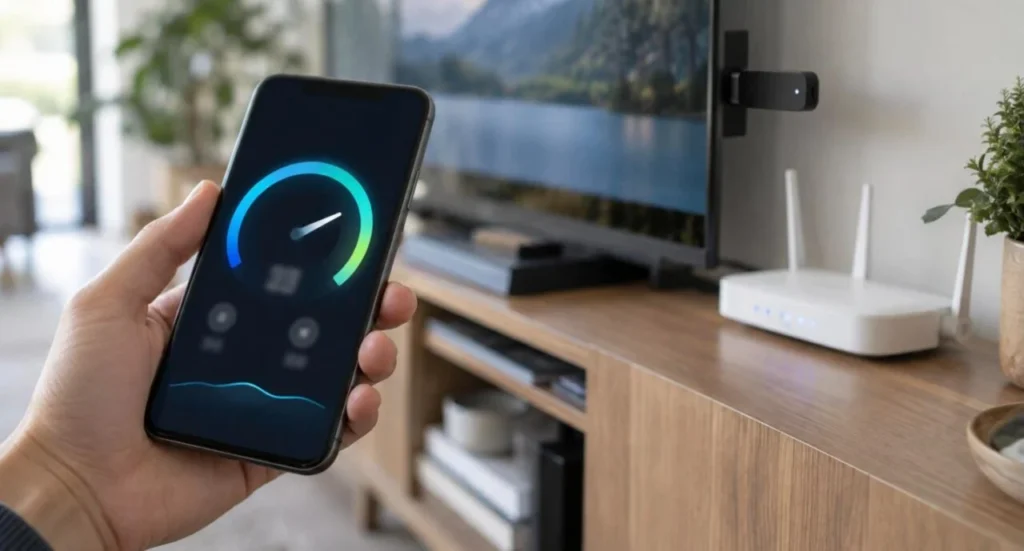
A typical UK fibre connection of 60–150 Mbps is more than enough for a household. What matters is the speed at the TV: run a speed test on a phone standing next to the Firestick. If it shows 15 Mbps while your plan says 100, the problem is the Wi-Fi band or the router position, and no provider can fix that.
For router settings, Wi-Fi band choices and a step-by-step speed test at the TV, see our dedicated internet speed for IPTV guide; if streams already stutter, the IPTV buffering fixes walk through the device, app and VPN checks in order.
4K IPTV: what is really 4K?
“4K IPTV” is used loosely. A channel can only be 4K if the broadcaster produces it in 4K — a handful of sports events, some films and a few documentary channels. Everything else is HD, however it is labelled.
Three things need to line up for real 4K IPTV streaming: the source (a genuine 4K broadcast), the device (Fire TV Stick 4K or 4K Max, a 4K Android box, or a 4K Smart TV app) and the connection (25 Mbps+ on 5 GHz Wi-Fi or Ethernet). A provider that promises “everything in 4K” is describing its marketing, not its channels. SmartVPro carries 4K where the broadcast supports it and labels the rest as HD.
What affects IPTV streaming quality and buffering?
| Cause | Where it lives | What to do |
|---|---|---|
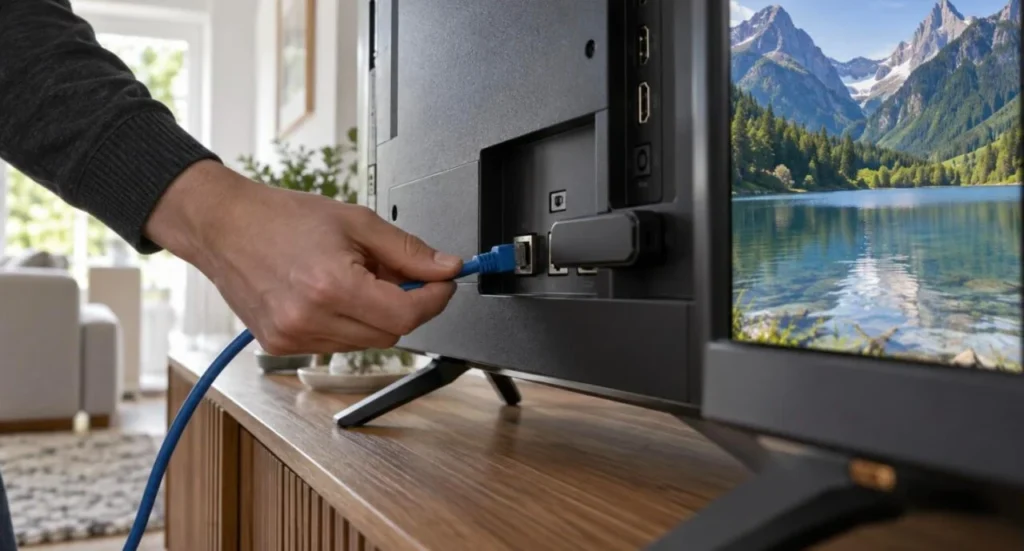
| 2.4 GHz Wi-Fi or a router in another room | Your home | Switch to the 5 GHz band or use Ethernet; move the router |
| Device short on memory or storage | Your device | Clear the app cache, close background apps, restart weekly |
| Wrong decoder in the app | Your app | Switch Hardware / Hardware+ / Software in the player settings |
| Too many streams at once | Your plan | Check your connection count; buy the plan that matches your devices |
| Peak-time server load | The provider | Choose a provider with UK or nearby servers and headroom on match days |
| Slow VPN server | Your VPN | Pick a nearby UK server or turn the VPN off for TV |
Latency is the other quality measure people notice: a live goal on IPTV streaming typically arrives 20–60 seconds after the satellite broadcast, so mute the notifications if you follow a match on your phone at the same time.
IPTV streaming vs Sky, Virgin, Freeview and streaming apps
| Option | How it arrives | Typical monthly cost | Pros | Cons |
|---|---|---|---|---|
| IPTV streaming subscription | Broadband + player app | £10–£15 | Sport, entertainment and VOD in one login; works on devices you own; no contract | Quality depends on your Wi-Fi and the provider you choose |
| Sky / Virgin / BT TV | Dish, cable or broadband box | £40–£100+ | Broadcast reliability, full catch-up | Long contracts, box rental, sport packs cost extra |
| Freeview / Freely | Aerial or broadband | Free (TV licence) | Free, simple | No premium sport or films |
| Netflix, Disney+, NOW | Broadband + app | £5–£35 each | Original series, films | No live channels; several subscriptions add up |

What does IPTV streaming cost in the UK?
Established UK services charge around £10–£15 a month for one device, £20–£30 for three months and £45–£60 for a year, with extra connections at £5–£12 each. Anything far below that range is usually a reseller panel that will be overloaded at peak time or gone by renewal. SmartVPro’s plans run from £10.99 a month to £47.99 a year for one device, with no auto-renewal and a 7-day money-back guarantee — and a 24-hour trial for £1 so you can test the peak-time performance before you commit.
Real GBP prices by term and device count, and the hidden costs to budget for, are broken down in IPTV cost UK and compared with satellite and cable bundles in IPTV vs pay TV.
Is IPTV streaming legal in the United Kingdom?
The technology is legal — it is how BT, Sky Glass and Virgin Stream deliver TV. The question for any independent service is whether it has the right to distribute the content it streams. Customers cannot audit licences, so judge a provider by the standards that apply to any UK business: a published address, terms and a refund policy, a proper order and receipt, and support you can reach.
Digital services sold to UK consumers are covered by the consumer protection rules on GOV.UK, so a legitimate seller should have no problem meeting them. Our guide to choosing a UK IPTV provider turns that into a 10-point checklist and lists the red flags (lifetime plans, Telegram-only sellers, crypto-only payment) to walk away from.
This section is a summary. The full position, with the Copyright, Designs and Patents Act, the enforcement bodies and the official sources, is in our IPTV legal UK guide.
How do you start IPTV streaming in 10 minutes?
- Pick the device you already own. A Firestick, Android box, Samsung or LG TV, phone or laptop all work.
- Install a player app — TiviMate on Firestick / Android (guide), IBO Player Pro on Samsung / LG (guide), IPTV Smarters on Apple or Windows. The Firestick walkthrough covers the one-off Downloader step.
- Get a login. Order a trial or plan; SmartVPro emails payment details within 5 minutes to 3 hours and activates the login about 5 minutes after payment is confirmed.
- Enter the Xtream Codes or M3U link in the app, wait for the channel list and guide to load, then hide the groups you never watch.
- Test at peak time on 5 GHz Wi-Fi before buying a longer plan.
Device-by-device instructions with screenshots are in the IPTV installation guide.
Try IPTV streaming on your own device — 24 hours for £1
Every channel, 4K where broadcast, catch-up and live sport, on UK servers. Payment details by email in 5 minutes to 3 hours; activation usually takes about 5 minutes once paid.
IPTV streaming FAQ
What is the difference between IPTV streaming and Netflix?
Netflix is on-demand only. IPTV streaming delivers live TV channels with a programme guide as well as on-demand films and series, so it replaces a Sky or Virgin box rather than a single app.
How much internet speed does IPTV streaming need?
About 8–12 Mbps per HD stream and 25 Mbps or more for 4K, measured at the TV. Two devices streaming at once need double. A 5 GHz Wi-Fi connection or Ethernet matters more than the headline broadband speed.
Do I need a special box for IPTV streaming?
No. A Firestick, Android TV box, Samsung or LG Smart TV, Apple device or laptop with a free player app is enough. MAG and Formuler boxes work too through their built-in portal.
Is 4K IPTV really 4K?
Only when the broadcast itself is 4K — some sport, films and documentaries. Everything else is HD whatever the label. You also need a 4K device and 25 Mbps+ at the TV.
Why does IPTV streaming buffer at 8pm?
Either your Wi-Fi (2.4 GHz band, distant router) or the provider’s servers at peak load. Fix the Wi-Fi first; if one channel still buffers at kick-off, tell the provider — a good one moves you to another stream.
Can I watch IPTV streaming on two TVs?
Yes, if your plan includes two connections. SmartVPro plans cover 1 to 4 devices streaming at the same time; the same login works in different apps on each TV.
Is IPTV streaming legal in the UK?
The technology is legal and used by major broadcasters. What matters is whether the provider has the right to distribute its content. Choose a provider that is a real UK business with an address, terms, a refund policy and reachable support.

Get the next IPTV guide by email
New setup guides, app comparisons and buffering fixes for UK viewers – about two emails a month, no spam, unsubscribe in one click.